-
Mac felhasználók: ideje, hogy frissítse az OS X 10.9.2Mac Users: Time to Update to OS X 10.9.2
Által Steve Horton Február 27, 2014mac, mavericks, osx, securityNo CommentsA közelmúltban felfedezték egy kritikus hibát mind az OS X, a Mac, és az iOS, az iPhone, az iPads és az iPod Touch esetében. Ez a hiba lehetővé teszi valaki számára, hogy hozzáférjen minden olyan titkosított kommunikációhoz, amely a számítógépről származik, az e-mailekről a bankszámlákra és még sok másra.
A rosszindulatú felhasználó ezt az SSL-t vagy a biztonságos aljzatréteget használja titkosított hivatalos Apple-alkalmazásokhoz, például a Safari, a Twitter és a Mail szolgáltatáshoz. Ez a biztonsági rés kihat az OS X bármely verziójára a 10.9.2 előtt. Ezt a hibát csak ezen a héten rögzítették.
Frissítés a Mac OS X 10.9.2-re
Ha nem látja az OS X frissítésének felbukkanó felugró ablakát, kézzel frissítheti a következőket:
- Kattintson az Apple menüre
- Kattintson a Szoftverfrissítés … gombra
Megnyílik az App Store. A 10.9.2-es verzió mellett kattintsunk a Letöltés gombra, majd telepítsd egyszer. A Mac újraindul újra.
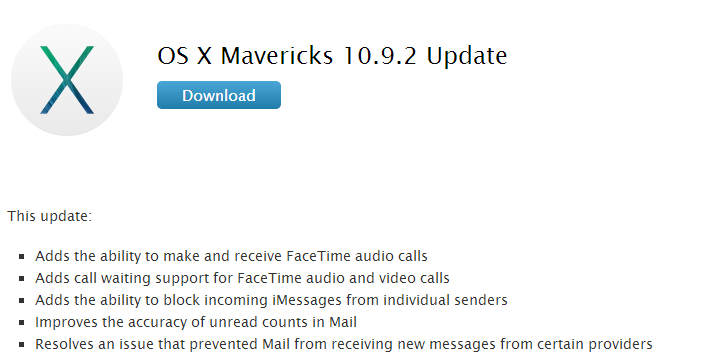
Kattintson a Letöltés gombra a Mavericks 10.9.2 eléréséhez.Ne feledje, hogy MacReviver- et több gyors javításra és helytakarékos funkcióra használja a Mac számára. Szabadon próbálkozhat, szóval miért ne?
Was this post helpful?YesNoRögzítse a Pinteresten
